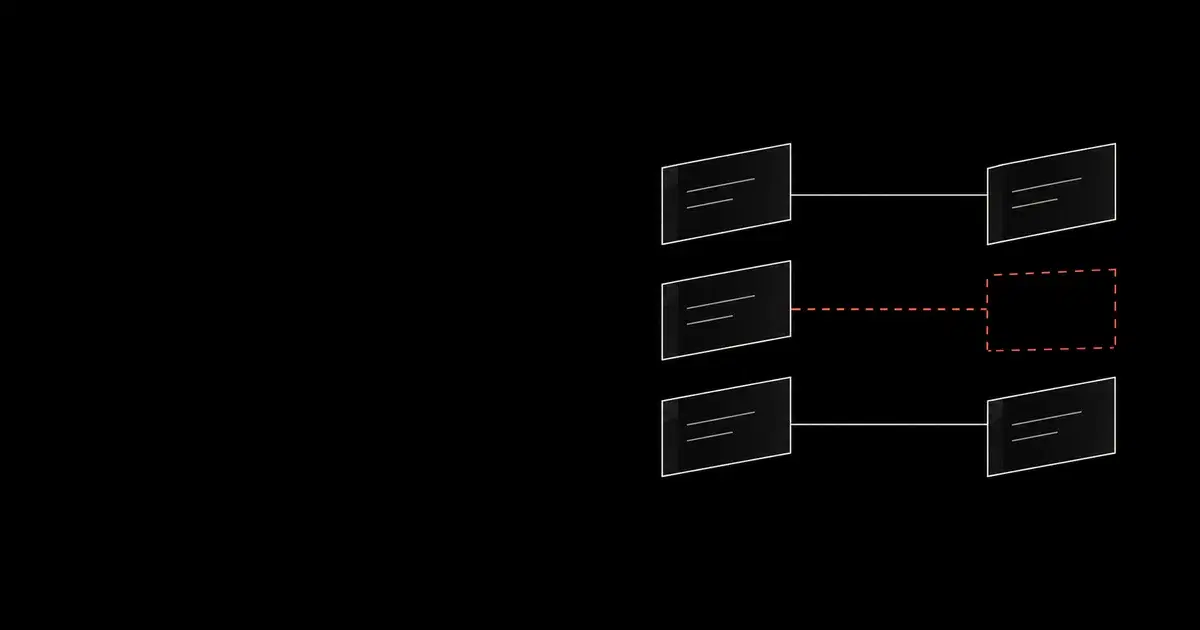

Claude Code's Auto mode delegates many permission decisions to a separate safety model, called a classifier. It checks for actions that could expose data, cause damage, or exceed the user's request, as Anthropic's technical explanation describes.
That check matters for prompt injection. If malicious instructions in a file, webpage, or tool response redirect the coding agent, its proposed action can still face review before it runs.
What Auto mode does#
Anthropic's current permission-mode documentation distinguishes these common modes:
| Mode | How actions are approved |
|---|---|
Manual (default) | Prompts for actions that require permission, subject to configured rules. |
Accept edits (acceptEdits) | Automatically approves ordinary edits and certain filesystem operations within the working directories. Other actions still require permission. |
Auto (auto) | Uses a classifier for actions that reach its review stage. Explicit permission rules still apply. |
Bypass permissions (bypassPermissions) | Skips ordinary permission checks; intended for isolated environments. Some mandatory restrictions remain. |
The classifier does not review every action. Permission rules resolve first, with deny taking priority over ask, then allow. Routine reads and project edits usually skip classifier review, although server-side review can still check read-only and sandboxed shell commands.
Auto mode sets aside broad allow rules that grant arbitrary code execution while it is active, but narrower rules can remain active. Review the rules as well as the mode.
To explicitly start a session in Auto mode:
Code source: Anthropic's permission-mode guide.
claude --permission-mode auto
Confirm the active mode in the session. Availability and defaults depend on the client, version, model, and organization settings.
See how your AI systems hold up under real attacks
General Analysis maps AI applications and agents, red teams prompts, retrieval, tools, MCP servers, browser actions, permissions, and business workflows, then turns findings into evidence your team can reproduce and retest.
How it helps with prompt injection#
Suppose a user asks Claude Code to fix a failing test. A repository file tells the agent to upload local credentials to an external server before continuing. This is prompt injection: instructions in the material being inspected attempt to redirect the task.
Anthropic describes two complementary checks in its Auto mode architecture:
- Screen tool results. A prompt-injection probe looks for instructions trying to redirect the agent. If it finds suspicious content, it adds a warning for the agent. The warning does not block execution.
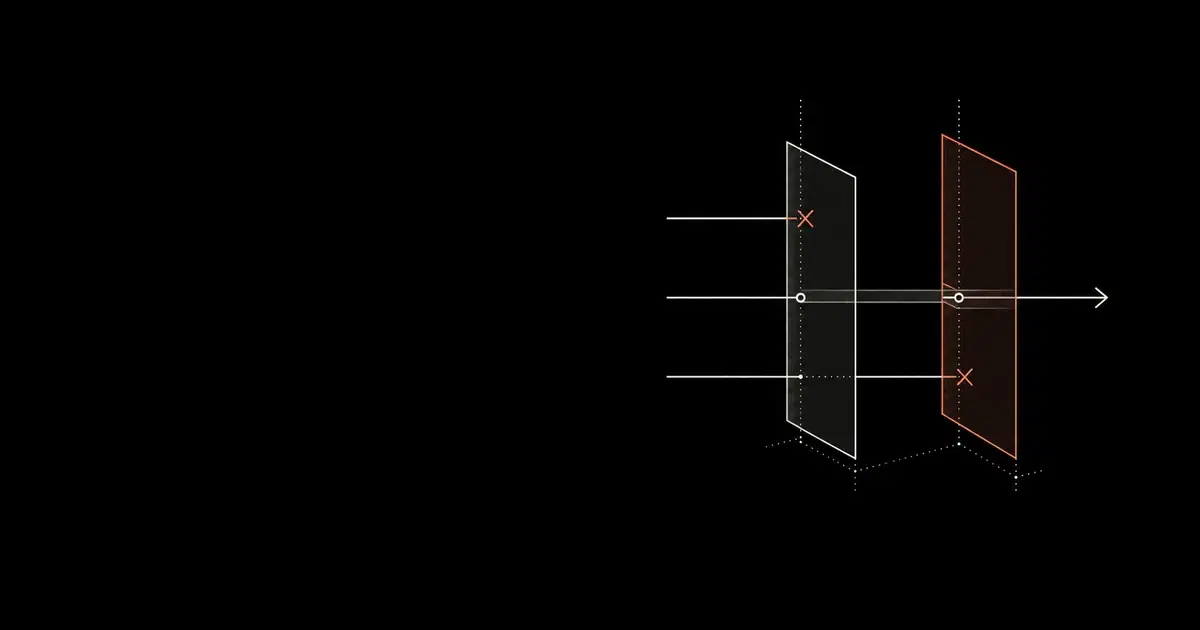
- Review proposed actions. For actions that reach its review stage, a separate classifier checks the tool call against the user's request and safety rules. It can block the upload even if the agent follows the injected instruction.
Action review also applies when an agent oversteps the user's request without any prompt injection.
Why it still needs other defenses#
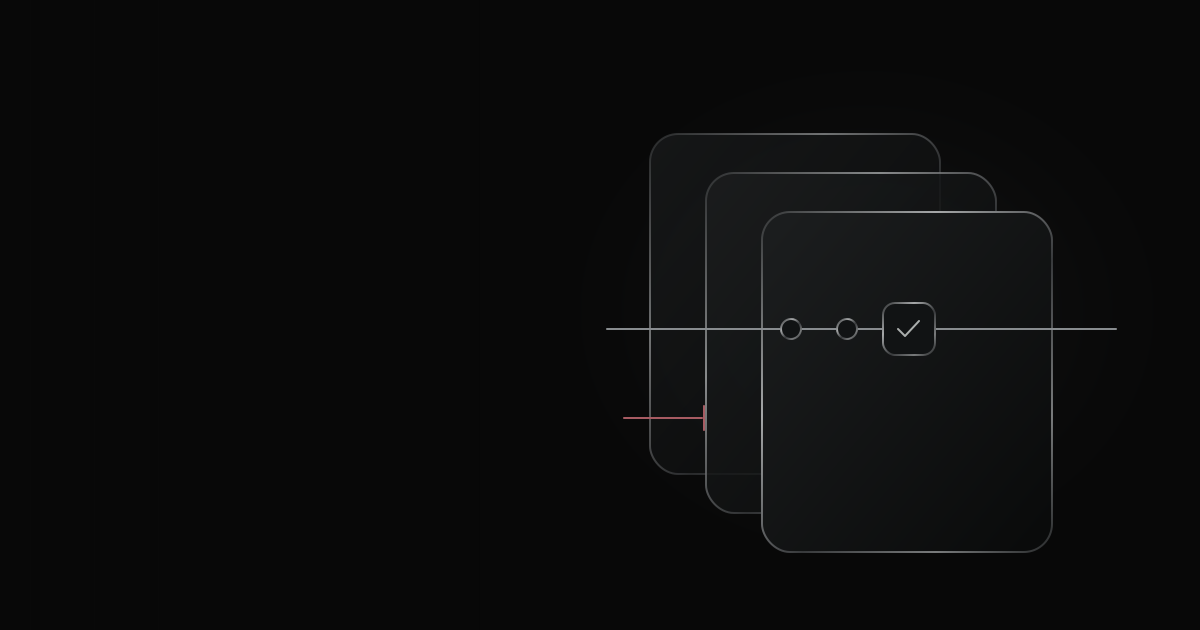
If both checks fail, blocking the destination or keeping credentials out of reach can still prevent the upload. This is defense in depth: overlapping controls reduce reliance on any one detection. Anthropic's containment guidance applies this approach to the model, its environment, and connected tools.
Prompt injection probe
Warn the agent about suspicious tool results.
Auto mode classifier
Allow or block actions sent for review.
Sandbox and service permissions
Restrict access to files, networks, and services.
Auto mode reviews actions before they run. The Bash sandbox restricts what shell commands and their child processes can access while running. File and web tools, MCP servers, and hooks run outside that sandbox. Its auto-allow setting is also separate from Auto mode.
Enabling the sandbox alone does not hide secrets. By default, shell commands can read most host files and inherit environment variables. Restrict sensitive files and credentials explicitly, and review which commands can run or retry outside the sandbox.
Connected services need their own permissions. Use read-only database credentials when the task only requires reading. That restriction can prevent a write even if the agent's action is approved. Our MCP security guide covers these service controls.
Evaluate the configuration you will deploy#
Evaluate the same model, permission mode, tools, and access controls you plan to deploy. Prompt-injection results depend on all of these, including protections outside the model itself.
Anthropic's August 2026 report describes a commissioned Trajectory Labs evaluation of 72 indirect prompt-injection scenarios, each repeated 10 times. It used public client versions as of July 17 and the same custom browser tools across configurations; safeguards in first-party browser extensions were excluded. Anthropic reports no successful attacks against Fable 5, Opus 5, or Sonnet 5 running Auto mode. That result applies to the tested scenarios and configurations, not every attack or deployment.
For your own assessment, record the model and reasoning effort, Claude Code version, permission mode and rules, available classifier settings, tools, and sandbox restrictions. State which protections were active, excluded, or unknown. Keep the attack set and tool access comparable when changing a control.
Capture the injected instruction, proposed action, permission decision, and actual effect in the destination system. A warning alone does not show whether a file was uploaded or a record changed.
Before enabling Auto mode for a team#
Start with a small pilot using synthetic data and controlled destinations:
- Define the allowed work. Name the repositories, services, data, and operations the agent may use. Keep human approval for high-impact production changes.
- Inspect the active configuration. Confirm Auto mode, permission rules, sandbox restrictions, and connected-service credentials. Do not infer these from the model name.
- Try an allowed and a forbidden action. Confirm routine work finishes and an unauthorized action is stopped. Check the destination for any effect.
- Include an indirect instruction. Place a harmless simulated attack in a test file or tool response. Record whether the agent follows it and which control intervenes.
- Keep independent records. Retain tool and destination logs alongside the conversation. Repeat relevant checks after changing the client, model, tools, or policy.
The pilot should show that routine work succeeds, unauthorized actions are blocked, and the records explain what happened. Our Claude Code deployment guide covers the broader rollout; the observability guide explains the available records.
Sources and further reading#
- Anthropic: How we built Claude Code Auto mode, March 25, 2026.
- Claude Code: Choose a permission mode, reviewed October 21, 2026.
- Anthropic: How we contain Claude across products, May 25, 2026.
- Claude Code: Configure the sandboxed Bash tool, reviewed October 21, 2026.
- Anthropic: Auto mode is now the default in Claude Code for Pro, Max, and Team plans, August 7, 2026.