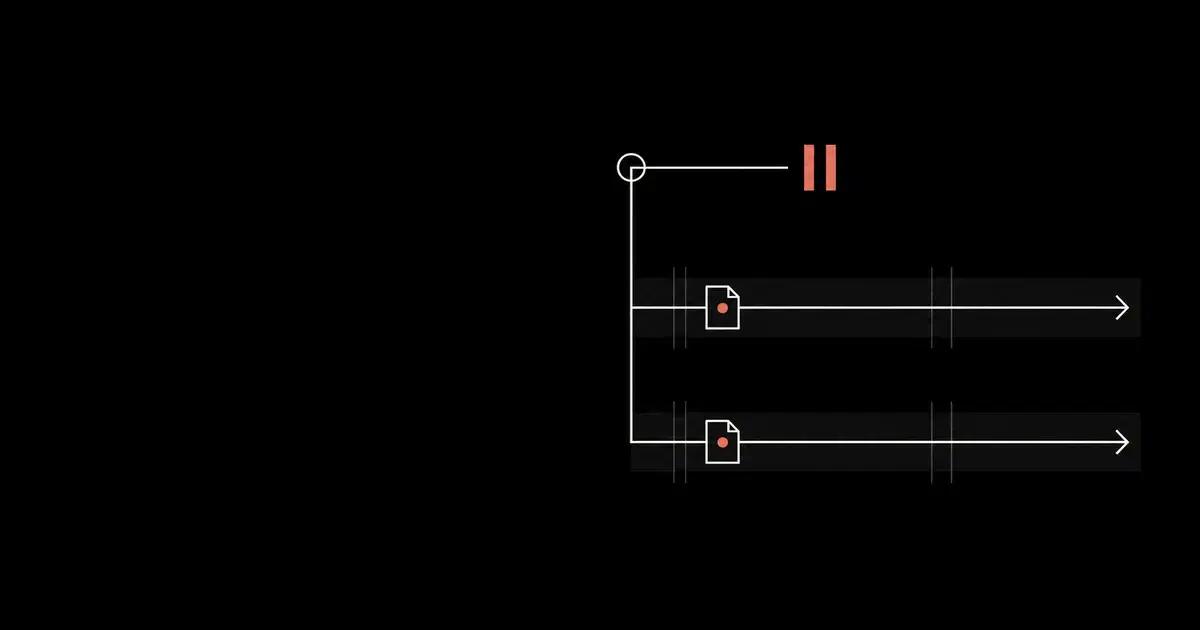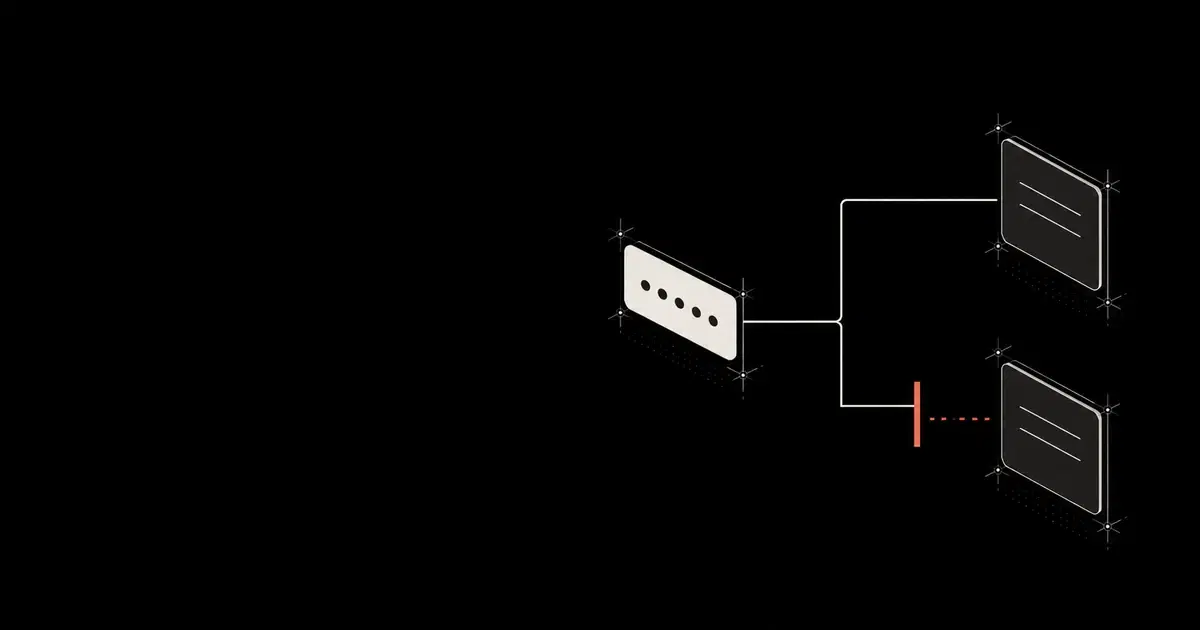

An agent can keep using an account without knowing its password. On October 22, 2026, 1Password announced 1Password for Agents: a person approves a login on their own device, and 1Password fills the sign-in form for the agent. The design keeps the password out of model context while letting the agent use the signed-in account.
For a security team, the review starts with how long that authority lasts and how to stop it. An approval to retrieve one receipt should not silently become permission to use the same account for an unrelated task tomorrow.
The public launch and the Agentic Autofill partner guide have different scopes. The latter is explicitly a partner preview, with a contract that may change. This guide uses it to identify implementation decisions for builders and questions for buyers. It does not establish that every announced integration uses these mechanics. General Analysis has not tested a live integration.
Confirm which integration you are reviewing#
The October 22 launch post lists Muse and Grok Bot as rolling out over the coming days. Claude Duet, ChatGPT Work, dots, and Town Townie are listed as coming soon. It introduces the personal integrations for Individual and Family accounts on 1Password.com; .eu and .ca accounts are not currently supported. A partner's name in the announcement is insufficient evidence that your account can use it.
Do not import the older Claude Desktop integration's approval rules into this launch. Its security documentation describes session-bound approvals and a nine-hour cap. The partner-preview approval reference instead describes a 30-day grant that can outlive a chat. That difference should be resolved before a team promises session-only access.
For builders using the preview, the quickstart separates the company's Business account, which registers the OAuth client, from the Individual or Family account acting as the test user. It requires a supported Chromium browser and the documented Nightly components. Check current supported builds with 1Password before implementation; Business client registration does not mean Business end-user accounts or shared vaults are supported by this preview.
See how your AI systems hold up under real attacks
General Analysis maps AI applications and agents, red teams prompts, retrieval, tools, MCP servers, browser actions, permissions, and business workflows, then turns findings into evidence your team can reproduce and retest.
Separate the connection, the grant, and the website session#
Review each access layer separately. The preview's key storage, approval, and disconnect references describe different lifetimes and controls. Website-session cleanup needs its own verification in the destination service.
| Access layer | Documented behavior | Review decision |
|---|---|---|
| OAuth connection | Lets the integration request access. Consent alone does not approve a login. | Keep connection consent separate from the user's login decision. |
| Access token and integration key | Together permit use of granted logins. Access tokens expire after 15 minutes and can be refreshed. | A short token lifetime does not make the login grant short-lived. Protect both values together. |
| Login grant | Reusable for 30 days at launch, independent of the chat session. | If access must be approved per session, request it again and prohibit reuse of old references. |
| Task or agent assignment | Agents sharing a person's connection are not isolated from one another by 1Password. | Enforce task-specific use in the integration. |
| Connection revocation | Invalidates tokens and the integration key; later fills fail. | Use it when disconnecting or responding to suspected exposure. |
| Existing website session | The revocation reference does not specify its invalidation. | Check and terminate it through the browser or destination service as appropriate. |
Consider a hypothetical receipt assistant and a travel-booking assistant using the same person's connection. A login approved for receipt retrieval must not become a travel agent's general-purpose account. Store the originating connection, access request, entry, task, and approved purpose alongside each reference. The security model requires using a login only for the goal and reason the person approved.
When approval resolves, match grants by entryId, not array position. The user may omit a requested login, choose another one, or add an unrequested login. The approval reference explains these cases. Route unmatched grants to an explicit review path rather than assigning the first returned reference to the first requested account.
Task metadata helps only if a trusted component enforces it. A worker that holds the token and integration key can use the connection's granted logins. If your architecture gives that worker unrestricted browser control, hiding another task's reference in an application menu is insufficient isolation. Review which component can invoke the extension and which component holds the secrets. Our MCP server security guide covers the related problem of enforcing authority outside model instructions.
Keep the agent away from the page during autofill#
The preview's fill documentation puts an explicit responsibility on the integrator: credentials briefly exist in the page between filling and submission. Block agent DOM reads, screenshots, and other CDP commands to that tab until fillCredential returns. Agentic Mode must also cover the tab; it does not replace this exclusion interval.
A trusted browser controller needs to own that interval. Every agent access path must obey its lock, including background observers and screenshot capture. The following pseudocode shows the intended ordering. The helpers are application responsibilities, not a 1Password SDK, and the example omits OAuth, polling, retries, and browser setup.
Code source: illustrative.
async function signInForTask(task, entryId, controller) {
  // Resolve identity and task authority outside the model.
  const binding = await controller.requireApprovedBinding(task, entryId);
  return controller.withExclusiveTab(task.tabId, async () => {
    // This lock also excludes screenshots, DOM observers, and other agents.
    await controller.enableAgenticMode(task.tabId);
    const result = await controller.fillForBinding(binding, task.tabId);
    if (!result.success || result.result.status !== "fill_submitted") {
      throw new Error("Sign-in was not submitted; keep the task paused");
    }
    // Submission can succeed while the website rejects the login.
    return controller.verifyExpectedSignedInAccount(task, entryId);
  });
}
On an exception or timeout, keep the task paused and recover the browser before returning control to the agent. Do not assume a lost response proves that the sensitive interval has ended. After a successful return, verify the expected account and any remaining authentication step. The documented fill_submitted status means submission occurred; it does not prove the website accepted the login.
Keep the integration key and current access token in browser memory only for the task. Refresh tokens and the client secret stay in the backend. The storage reference also requires per-user storage and one user per browser environment. Never place these secrets or approval links in model context, recordings, analytics, or routine error reports.
Make disconnect complete even when a request fails#
The preview's disconnect procedure uses POST /v1alpha1/oauth-integrations/self:revoke with a current access token and an empty JSON object. It revokes the whole connection. Single-login revocation and user revocation from inside 1Password are not available in this documented preview; the product must provide its own disconnect action.
Stop new work locally before starting revocation. Delete stored tokens, the integration key, and references only after the revocation succeeds. If it fails, retain them in protected storage so revocation can be retried, while keeping task execution disabled. An interface should distinguish a completed disconnect from one still pending.
Dropping one reference stops your application from using it; that is different from invalidating the connection's authority at the provider. For suspected token or key exposure, follow the documented whole-connection revocation path.
Then inspect the website session. A successful revoke response proves the documented 1Password operation, not logout from the expense system or travel site. Stop the affected agent, terminate retained browser sessions where appropriate, and use the destination service's session controls. Preserve evidence of actions already completed there. Our shadow AI guide explains why employee tool inventories need to include these downstream access paths.
Require evidence before expanding the pilot#
Use authorized accounts and harmless fixtures to review the integration. These are proposed acceptance checks, not results from a General Analysis experiment:
- Approve only one of two requested accounts. Verify that the ungranted entry stays unavailable and returned grants map to the correct entries.
- Start a second task under the same connection. Confirm that the integration rejects a reference assigned to the first task unless the new use has the required approval.
- During a controlled fill, verify that all agent page readers remain excluded. Check rejection, timeout, and additional-authentication paths without recording credential values.
- Disconnect while work is queued. Verify that new work stops, provider revocation completes, later fills fail, and any existing website session is handled separately.
Keep an evidence record with task and connection identifiers, the approved purpose, the enforcement decision, and the downstream result. Exclude secret values and approval links. The product FAQ says what an agent can do after sign-in depends on the agent and the website. Before expanding the pilot, require evidence that an expired task cannot start another fill and that a disconnected agent cannot continue through a retained website session.
Frequently asked questions
- Does ending an agent chat revoke its 1Password login grant?
The Agentic Autofill partner-preview documentation says grants last 30 days at launch and are not tied to chat sessions. An integration promising approval for each session must request it again and avoid reusing old references. Confirm the contract for the specific product; the older Claude Desktop integration documents different session limits.
- Does disconnecting 1Password sign the agent out of every website?
The documented partner-preview revocation ends the integration's OAuth consent, invalidates its tokens, and revokes its integration key. It establishes that subsequent fills fail. It does not establish that a website has invalidated a session already created by an earlier login. Stop the agent and verify that session in the destination service.