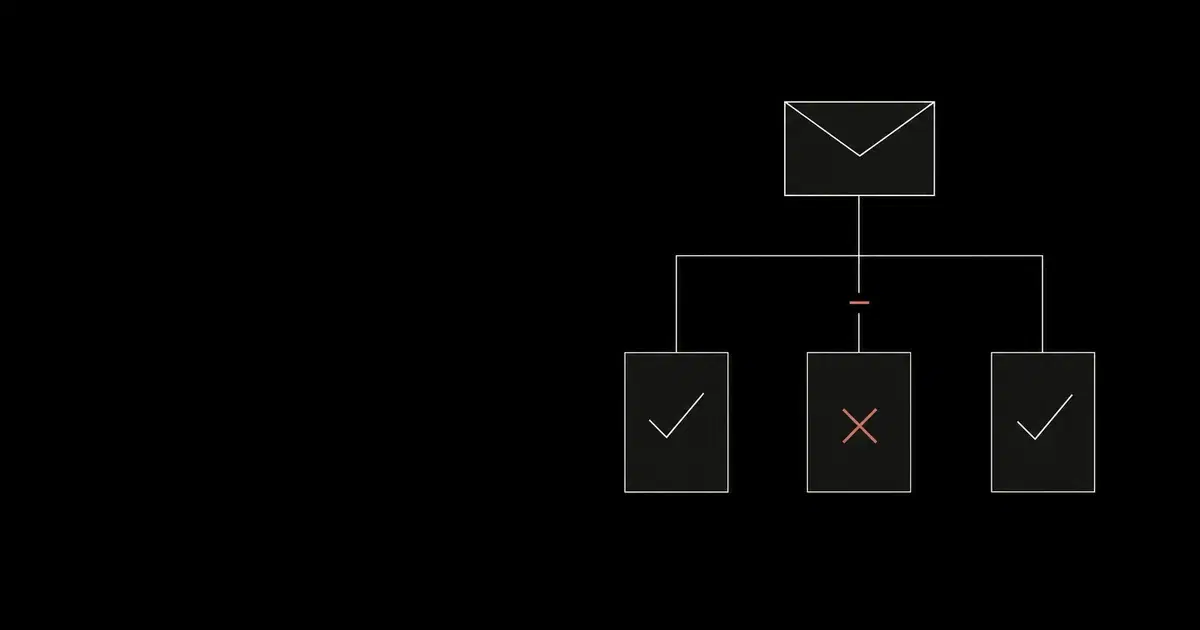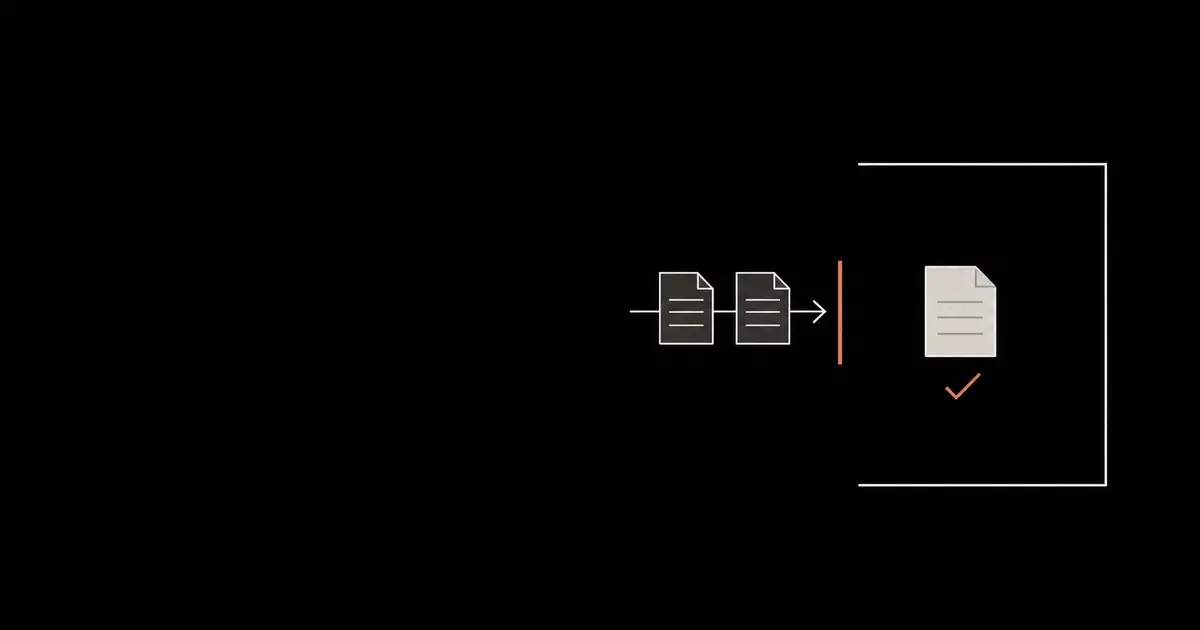

Anthropic opened Enterprise Frontier Safeguards (EFS) in public beta on November 23, 2026. It combines automated misuse monitoring with customer-owned storage and customer review of flagged activity. For the security team moving API workloads, the immediate question is when that storage arrangement actually starts protecting the intended traffic.
Saving the setting is too early. Anthropic's storage cutover instructions warn that initial requests can still write Sealed Safety Data to Anthropic-managed storage while the change propagates. Keep the new route on nonsensitive test data. A shared bucket makes verification harder: an arriving object might belong to another workspace.
This guide proposes a rollout procedure for direct Claude Platform Messages API traffic. It joins the documented storage checks with the separate job of receiving Safety Cases. General Analysis has not tested this procedure against a live EFS tenant. EFS remains a beta for eligible organizations; keep application authorization and runtime guardrails around the agent's actions.
Decide which traffic can move#
EFS operates at the workspace level. The overview says that the API key or workspace ID selects the request's workspace, and EFS applies to all models there. Creating an EFS workspace leaves existing workspaces and their keys unchanged.
Inventory the application's actual credential routes, including workers, scheduled jobs, and fallback clients. Record credential identifiers rather than secrets. A team that changes its interactive client but leaves a background worker on an old key has migrated only part of the workload.
Check feature compatibility before moving that traffic. The following distinctions come from Anthropic's EFS FAQ; the routing decisions are recommendations.
| Workload | Documented boundary | Rollout decision |
|---|---|---|
| Messages API | Covered once the workspace's EFS configuration takes effect, regardless of model. | Verify the workspace used by each application route. |
| Files and code execution | Feature-owned storage, such as uploads and containers, is outside EFS coverage. | Review those retention rules separately. |
| Batch API | Unsupported because it keeps no Transcript for customer review. | Use individual Messages requests if this workload requires EFS. |
| Claude Managed Agents | Sessions and dreams cannot run with Anthropic Human Review off; existing sessions stop accepting new messages. | Keep these workloads out of the EFS migration. |
Avoid describing EFS as an organization-wide switch for everything an agent touches. The storage policy of a tool, connector, or application database still needs its own review.
See how your AI systems hold up under real attacks
General Analysis maps AI applications and agents, red teams prompts, retrieval, tools, MCP servers, browser actions, permissions, and business workflows, then turns findings into evidence your team can reproduce and retest.
Agree on the organization changes first#
The setup guide excludes the Default Workspace and requires a new workspace when moving from an existing Legacy ZDR workspace. EFS currently supports internal organizational use; organizations with HIPAA readiness enabled cannot enroll.
Accepting the terms also enables the Compliance API, with effects across eligible linked organizations and parent-organization groups. Access Transparency becomes permanent once enabled. Review that scope with the owners of the affected organizations before accepting. Getting program access alone does not configure any workspace.
A customer-managed encryption key is optional, and attaching one is permanent. Enterprise Data Controls can use a customer key while retaining data in Anthropic-managed storage. That arrangement is different from EFS. Record the storage destination and the key choice independently.
Keep the new route on test data until cutover is established#
Have the cloud administrator provision the bucket using Anthropic's current setup file, review its permissions, and complete Test setup. The storage setup documentation explains the permanent tie between a used bucket and its Anthropic organization. Preserve the deployed configuration and keep automated cleanup jobs away from these resources.
Then configure the intended workspace and verify the change:
- Select EFS and the intended Sealed Safety Data bucket. Reopen the workspace settings after saving.
- Send only synthetic requests without sensitive content through the application's intended credential route. Record the workspace, request time, and returned message ID.
- Observe new objects under
slab/orsafeguards-data/slab/in the selected bucket. Follow the documented cutover check: wait ten minutes after the first new object before sending real traffic. - If another workspace already writes to that bucket, ask the Anthropic account team to confirm the change before moving real traffic. New objects alone cannot establish which workspace changed.
Account for Human Review propagation too. Anthropic's Human Review documentation allows up to two hours for a change to apply. When turning it off is part of your rollout, keep sensitive traffic held through that interval as well as the storage check.
For example, suppose a document service moves to a bucket already used by an internal assistant. The bucket continues receiving objects throughout the change. That continuity is useful availability evidence, but it cannot establish that the document service stopped using its previous storage arrangement. Keep the document service's new route restricted to test content until the ambiguity is resolved.
Keep the application route, workspace, selected bucket, save time, storage evidence, both propagation waits, and traffic approval in your change record. A responder should be able to reconstruct the decision without access to a secret.
Establish a separate path for Safety Cases#
Your team cannot read Sealed Safety Data even when it owns the bucket. Customer-owned storage distinguishes that encrypted data from readable Transcripts and Safety Correspondence. A Safety Case contains metadata and transcript references, not the prompts and responses themselves.
Decide how reviewers will receive cases before allowing sensitive traffic. If you use Safety Case and Transcript storage, select the same eligible bucket as Sealed Safety Data storage, as the storage instructions require. Keep the Compliance API enabled: requests made while it is off have no Transcript for later review. Anthropic's review procedure also says there is no automatic notification when a Safety Case is created. Your team must monitor storage or poll the API.
The Safety Cases API is a Claude Platform beta. Create its Admin API key after the API becomes available to the organization; older keys never acquire this access. Keep this full administrative key in the operations service. Messages with a user profile need a Case bucket; the Admin key cannot read those messages through the API, so reviewers need access to their bucket Transcripts.
This first-list request omits a time filter. Load ANTHROPIC_ADMIN_KEY through your approved secret process. The example is adapted from the reference and has not been run against a customer organization.
Code source: Anthropic Safety Cases API polling example.
curl --fail-with-body -sS --max-time 30 -G \
  'https://api.anthropic.com/v1/compliance/review/cases' \
  -d 'order_by=updated_at' \
  -d 'order=asc' \
  -d 'limit=100' \
  -H "x-api-key: ${ANTHROPIC_ADMIN_KEY}" \
  -H 'anthropic-version: 2026-10-21'
A 200 response, including an empty list, proves list access. Follow next_page until it is null, even after a short or empty page. Update cases by ID. After storing every page, checkpoint the largest updated_at for the next run's inclusive updated_at[gte] filter. Keep the previous checkpoint on failure; page tokens belong only to the current listing.
Assign a reviewer and exercise your own alert handler with local fixtures. Do not generate misuse to force a real case. Anthropic requires a response within seven calendar days of created_at. Its response rules say the first response counts and cannot be revised. Check for closure with reason responded; a case can also close after the deadline without a valid response. Keep this workflow distinct from the broader Compliance API evidence collector.
Monitor writes after the migration#
An active storage destination means a workspace is configured to use it. It is not a fresh end-to-end health result. Anthropic's storage management guide warns that an inconclusive daily check leaves both health and last-checked time unchanged. The check can also pass while the separate roles for Transcripts and Safety Cases fail.
Watch storage arrivals alongside request activity, and monitor the case-delivery path independently. If sealed-data writes fail, model requests can continue for a grace period of up to 24 hours; later refusal is possible. The storage guide says failed writes are retried for a limited period and do not fall back to Anthropic-managed storage. Investigate promptly with the account team rather than treating continued inference as proof that evidence is being retained.
Use separate recovery procedures for the bucket and any customer-managed key. Our CMEK incident guide covers key recovery and dependent-workspace checks.
The rollout owner can approve each route once its storage and review settings have taken effect, its workload is compatible, and a reviewer can receive cases. Keep unresolved routes on test content and record what evidence is still missing.
Frequently asked questions
- Does a customer-managed key make a workspace use EFS?
No. Enterprise Data Controls can use your key while data stays in Anthropic-managed storage. EFS requires customer-owned storage for Sealed Safety Data and turns Anthropic Human Review off. Check the workspace's storage configuration separately from its key.
- Does an empty Safety Cases API response prove monitoring is complete?
No. HTTP 200 with an empty list establishes that the key can list cases. It does not prove workspace coverage, transcript availability, or a working alert path. On Claude Platform, messages with a user profile need a Case bucket for Safety Cases to be available.