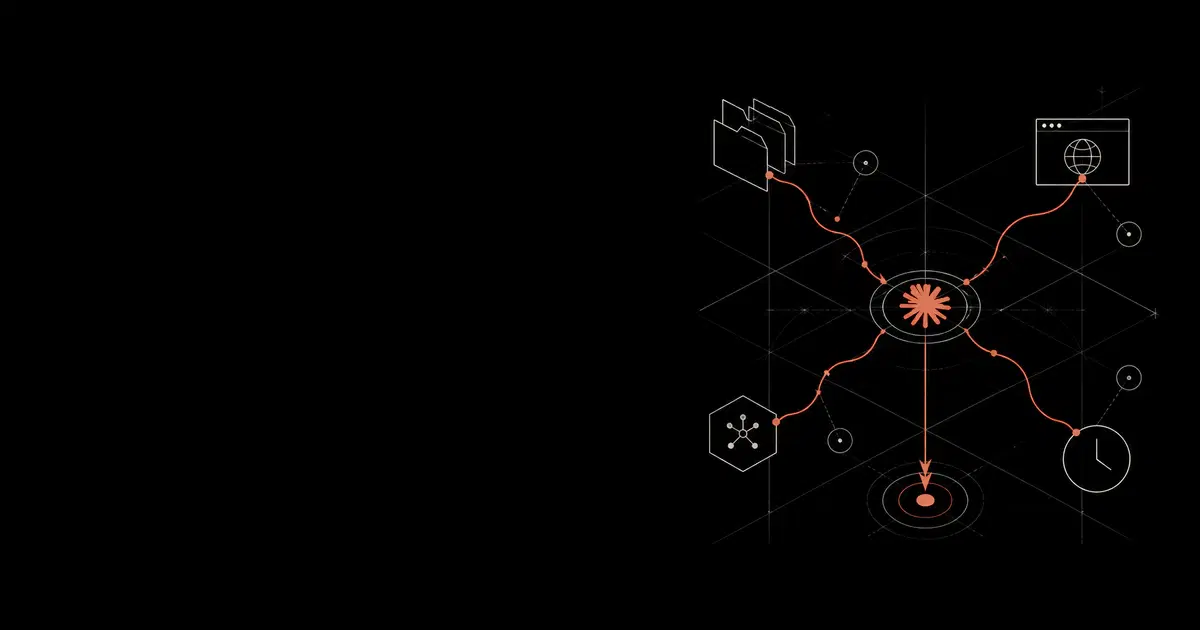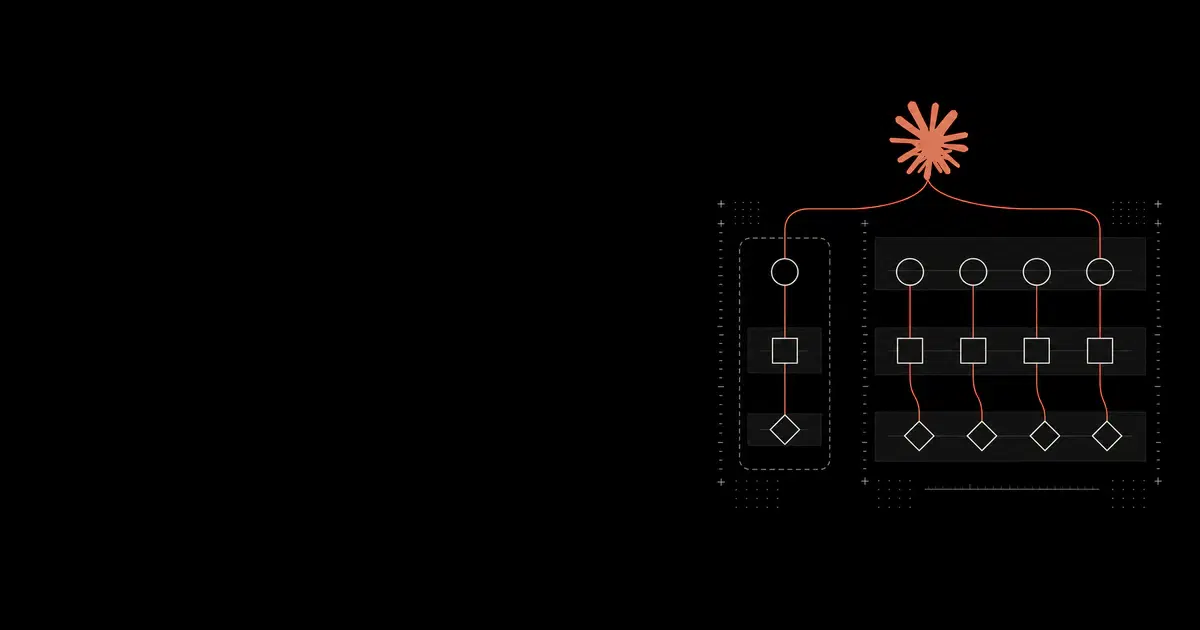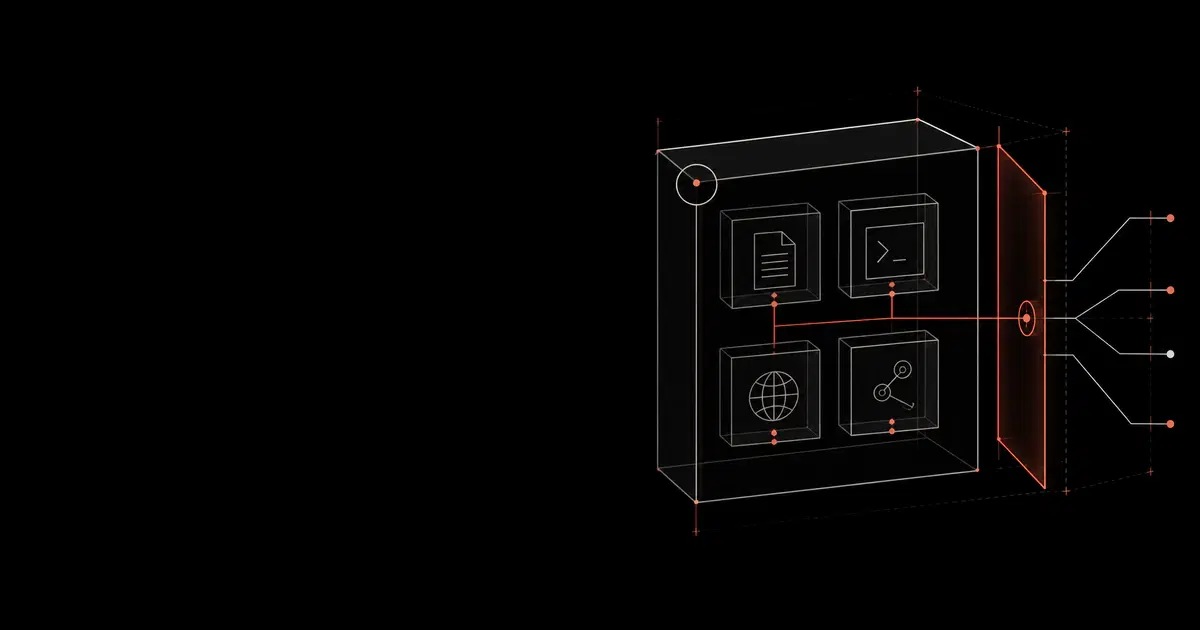

Coding agents are privileged developer runtimes. Claude Code, OpenAI Codex, Cursor, Windsurf, Cognition Devin, GitHub Copilot, and Claude Cowork can read source trees, edit files, call tools, operate IDE or browser surfaces, and in many deployment modes run shell commands or desktop actions.
When shell execution and network egress are both available, an injected or mistaken agent action can read local data and transmit it through ordinary tools such as curl, wget, scp, git, package scripts, or cloud CLIs. The exact risk depends on the product surface, granted permissions, readable paths, and outbound network policy.
Guide Overview#
The full guide is written for platform, security, and engineering teams rolling out coding agents across real repositories. It focuses on practical deployment controls rather than prompt-only safety guidance.
| Area | What the PDF adds |
|---|---|
| Product coverage | Claude Code, OpenAI Codex, Cursor, Windsurf, Cognition Devin, GitHub Copilot, and Claude Cowork |
| Capability comparison | Native, partial, external, and missing controls across sandboxing, hooks, MCP, network, telemetry, and managed policy |
| Deployment tiers | Minimum viable, managed baseline, and high-assurance rollouts |
| Diagrams | Runtime boundaries, prompt-injection paths, enforcement architecture, hook pipelines, MCP gateway design, and incident response |
| Examples | Hook policies, MCP allowlists, proxy policy sketches, telemetry events, and rollout runbooks |
See how your AI systems hold up under real attacks
General Analysis maps AI applications and agents, red teams prompts, retrieval, tools, MCP servers, browser actions, permissions, and business workflows, then turns findings into evidence your team can reproduce and retest.
Baseline Controls#
The recommended baseline is simple:
- Give the agent a bounded work surface: repository scope, task folder, cloud Devbox, dev container, VM, or managed desktop profile.
- Keep routine local work low-friction: source reads, ordinary edits, tests, linting, formatting, and approved documentation or registry lookup.
- Deny or isolate sensitive local material: environment files, credentials, SSH keys, cloud config, browser profiles, shell history, password-manager exports, and customer-data fixtures.
- Ask before actions with external or privileged effects: package installs, deploys, infrastructure commands, database writes, git pushes, external uploads, OAuth scope changes, and edits to policy files.
- Use native hooks where available for narrow decisions: sensitive paths, high-risk commands, MCP writes, control-plane edits, and audit events.
- Govern MCP as executable supply-chain and tool-access infrastructure.
- Apply the strongest practical egress control: product allowlist, terminal approval, MCP allowlist, proxy, endpoint DNS policy, cloud firewall, or CI network policy.
- Preserve enough evidence to reconstruct file, shell, network, browser, MCP, approval, and repository events.
Why The Risk Is Different From Ordinary Code Assistants#
Modern coding agents do more than suggest code. They can execute commands, install dependencies, read logs, call MCP servers, open browsers, commit changes, draft pull requests, and interact with authenticated services. That reach makes them useful. It also means the control point has to move from chat text to runtime behavior.
The common failure chain is:
- Untrusted content enters context through a README, issue, test fixture, terminal output, package metadata, webpage, or MCP response.
- The model treats that content as instruction or task context.
- The agent proposes a tool action.
- An approved file, shell, MCP, browser, or network tool creates an external effect.
Controls should attach to the action surface: file access, shell execution, network egress, MCP tools, browser actions, repository writes, and approval events.
Product Comparison#
| Product | Security posture in brief |
|---|---|
| Claude Code | Strong native controls through permissions, sandboxing, hooks, managed MCP, proxy support, OpenTelemetry, analytics, and compliance export. |
| OpenAI Codex | Strong local and cloud controls through sandbox modes, approval policy, hooks, managed requirements, MCP config, and cloud network controls. |
| Cursor | Useful IDE controls through rules, ignore files, hooks, workspace trust, terminal approvals, MCP approvals, and privacy/admin settings; durable enforcement often needs endpoint, network, and repository controls. |
| Windsurf | Cascade terminal policy, team command lists, hooks, rules, ignore files, MCP registries, whitelists, and enterprise policies help, but data-flow, extension, MCP, and runtime governance still matter. |
| Cognition Devin | Cloud Devbox and local terminal modes need separate controls that converge into the same SCM, MCP, secrets, sandbox, and audit policies. |
| GitHub Copilot | Cloud-agent work is best handled as a branch-to-PR workflow enforced by GitHub repository controls, Actions approval, firewall policy, hooks, MCP allowlists, and human review. |
| Claude Cowork | Desktop, browser, connector, app, file, plugin, and scheduled-task surfaces need tighter scope and approval than repository-only coding agents. |
Rollout Tiers#
| Tier | Good fit | Controls |
|---|---|---|
| Minimum viable | Pilots and low-risk repositories | Product-native settings, repository rules, denied secret paths, sparse approvals, branch protection, and a small evaluation suite |
| Managed baseline | Multiple teams or production-adjacent repos | Central configuration, reviewed hooks, domain allowlists, MCP allowlists, CODEOWNERS, basic telemetry export, and exception review |
| High assurance | Customer data, regulated systems, deploy authority, broad internal tools | Dedicated workspaces, short-lived credentials, proxy or gateway enforcement, approval services, SIEM correlation, private mirrors, and incident drills |
Pre-Rollout Evaluation#
Test the deployment with canary secrets and controlled prompts before giving agents broad repository access. The whitepaper includes evaluation cases for:
- hidden instructions in repository text and terminal output
- ignored-file reads through shell commands
- package install script egress
- MCP tool poisoning and unregistered MCP servers
- external uploads with
curl,wget,scp, and shell encodings - agent edits to hooks, rules, MCP config, CI, lockfiles, and deployment files
- browser and desktop actions that move sensitive data to external recipients
Reading path#
Use this guide to choose a rollout baseline, then follow the path that matches your deployment:
- Plan the rollout: Claude Code enterprise deployment covers organization-level setup decisions.
- Review connected tools: MCP server security covers the tool and integration boundary.
- Choose runtime checks: The guardrails comparison distinguishes validators, classifiers, and application authorization.
- Specify an assessment: The evaluation worksheet helps record requirements and evidence before selecting a provider.
For product-specific settings, consult the current Claude Code security documentation and Cursor security overview alongside the relevant deployment guide.