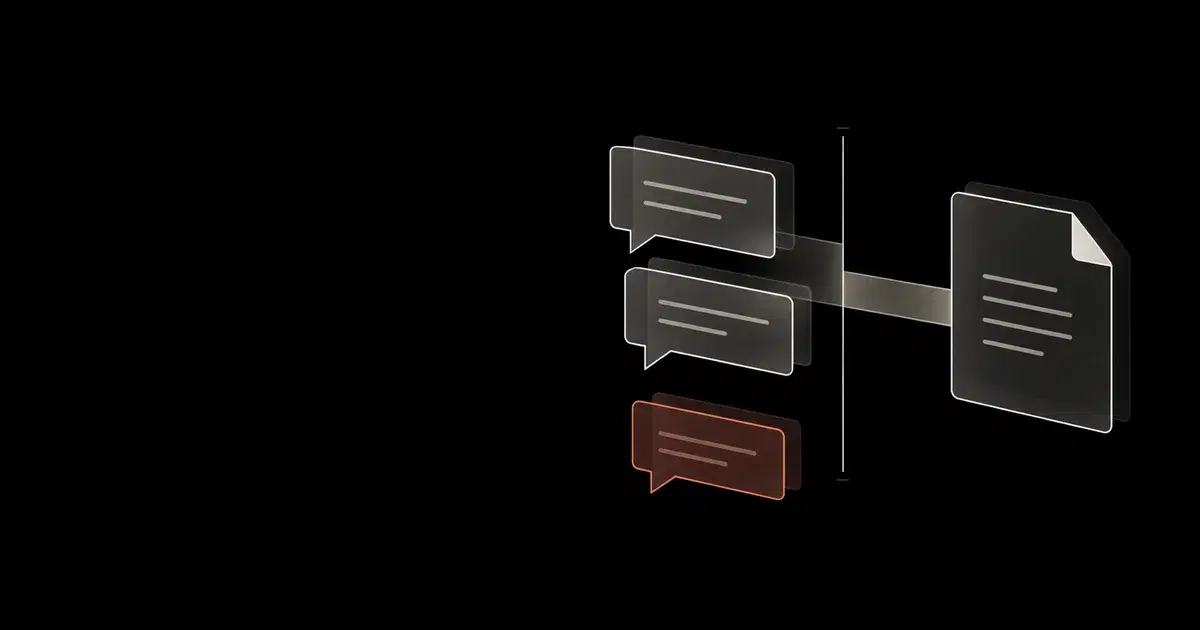

A private conversation can become a GitHub issue with a different audience. On September 25, 2026, GitHub expanded Copilot's Slack and Microsoft Teams integrations: Slack gained supported files, attachments, and message links as context; Teams gained inline images, forwarded-message context, and channel and thread history. Administrators now have more input paths to account for when approving conversation-driven repository work.
Review the transfer before invoking the agent. A user may have permission to create an issue while the conversation contains material that does not belong in that repository. An attachment can also contain instructions the task owner never approved.
The September 25 announcement describes a public preview for Business and Enterprise organizations, with some capabilities rolling out gradually. The current integration guides list all paid plans. This guide focuses on organizational rollout; verify the actual capabilities available in your workspace before relying on them. GitHub also reports a Slack repository-switching fix that prevents superseded sessions from continuing in the old repository. That is a reason to check session state during rollout, not evidence that any particular organization's work was affected.
Review context separately from authority#
GitHub's Slack integration guide warns that invoking Copilot captures the full thread and that its context is stored in generated artifacts. Its Teams guide gives the same warning. A new thread or direct message can narrow the source material you provide.
Use these checks before sending the conversation to a repository:
| Decision | What to inspect | Reason to stop the handoff |
|---|---|---|
| Source material | Thread history, linked messages, attachments, images, and forwarded content | The conversation contains secrets, restricted customer information, or instructions unrelated to the approved task. |
| Acting authority | Linked GitHub account, shared-session app identity, and applicable access | The reviewer cannot explain which identity will create or change the artifact. |
| Destination | Exact owner/repository, base branch, visibility, and intended readers | The repository audience should not receive part of the source conversation. |
| Result | Generated issue, pull request, comments, and links back to the discussion | The artifact copies unnecessary content or changes work outside the agreed scope. |
Consider a hypothetical support thread containing a customer's error screenshot and an internal pricing discussion. An engineer asks Copilot to create a bug in a repository shared with a contractor. The engineer's access can be correct while the proposed transfer is inappropriate. Start a fresh thread with a sanitized reproduction, then review the issue body before treating it as ready for that audience.
This is a workflow recommendation, not a claim that GitHub automatically detects or blocks that disclosure. The broader coding-agent security guide covers the controls around agent execution.
See how your AI systems hold up under real attacks
General Analysis maps AI applications and agents, red teams prompts, retrieval, tools, MCP servers, browser actions, permissions, and business workflows, then turns findings into evidence your team can reproduce and retest.
Establish who can act and who can influence the work#
In a DM, Copilot acts with the linked personal GitHub account's permissions. Shared conversations create artifacts under the app identity. Repository writers can trigger changes; other participants can contribute context. GitHub excludes workspace guests and repository outside collaborators from starting or steering sessions. See the documented collaboration permissions.
The artifact author cannot tell a reviewer who supplied each suggestion. Record the initiating person and source discussion. Inspect the resulting diff and issue text, including suggestions introduced after the initial request.
Check the target branch's effective review requirements for app-authored pull requests. For the separate question of whether a Copilot review can satisfy a merge requirement, see Copilot approvals and required human review.
Configure access before relying on defaults#
Use the GitHub app for the relevant collaboration platform, connect the intended GitHub account, and confirm the cloud-agent and cloud-sandbox policies required by your plan. Check these prerequisites even if the app is already installed for notifications.
For enterprise-owned repositories in Slack, GitHub requires administrators to configure the app's repository access. Review that installation scope before inviting a larger group. In Teams, inspect the published app permissions: cloud-agent functionality adds content write and workflow read/write access. These grants deserve review separately from the default repository shown in a channel.
Teams supports explicit repo and branch parameters. Its channel can acquire a default from the first session; omitting the destination then uses that repository and its default branch. Review channel settings with @GitHub settings, and specify the destination for sensitive work. These behaviors are documented in GitHub's Teams setup instructions.
Keep a small handoff record with the task. This illustrative YAML is a review template, not a Copilot configuration file or an enforcement mechanism.
Code source: illustrative.
source:
  platform: slack
  thread: "restricted internal reference"
  approved_context: "sanitized error description and dummy screenshot"
requester: "GitHub login recorded by the reviewer"
session:
  identity_mode: "shared app identity"
  repository: "example-org/support-pilot"
  base_branch: "main"
review:
  destination_audience: "internal pilot team"
  artifact_url: "record after creation"
  content_and_diff: "pending human review"
Store the record where the source's access restrictions still apply. Copying a sensitive transcript into the review record would create another unnecessary disclosure.
Check repository switches and retained artifacts#
In Slack, steer work through its dedicated Code channel. Check the displayed repository, branch, status, and artifact after a destination change. GitHub documents one Code channel per task.
For an authorized pilot, use two disposable repositories and harmless content. Start a task, switch the destination through the available controls, and record the old and new session states. Check the artifacts in both repositories. A changed picker label alone does not establish that the earlier session stopped acting. These are proposed acceptance checks; we have not run them against a tenant.
Closing the connection also needs a separate content review. GitHub's developer-supplied Slack Marketplace listing says signout or app removal does not delete issues, pull requests, or comments already created on GitHub. Existing Slack messages remain subject to the workspace's retention settings. The listing does not establish that disconnecting cancels every active cloud task. Inspect active work and downstream artifacts instead of assuming a successful signout completed cleanup.
Before expanding the pilot, retain evidence of the intended identity and destination, one reviewed artifact from each permitted conversation type, and the repository-switch outcome. If the source and destination audiences cannot be reconciled, keep that conversation out of the workflow and provide a narrower, reviewed task description.
Frequently asked questions
- Does selecting a default repository restrict Copilot to that repository?
Treat the default as a routing choice. Review the user's GitHub access and the app's repository access separately, and check the repository displayed for each session.
- Have these Slack and Teams controls been tested by General Analysis?
This guide interprets GitHub's release notes and documentation. The rollout checks are proposed administrative checks with harmless fixtures, not results from a tested tenant.