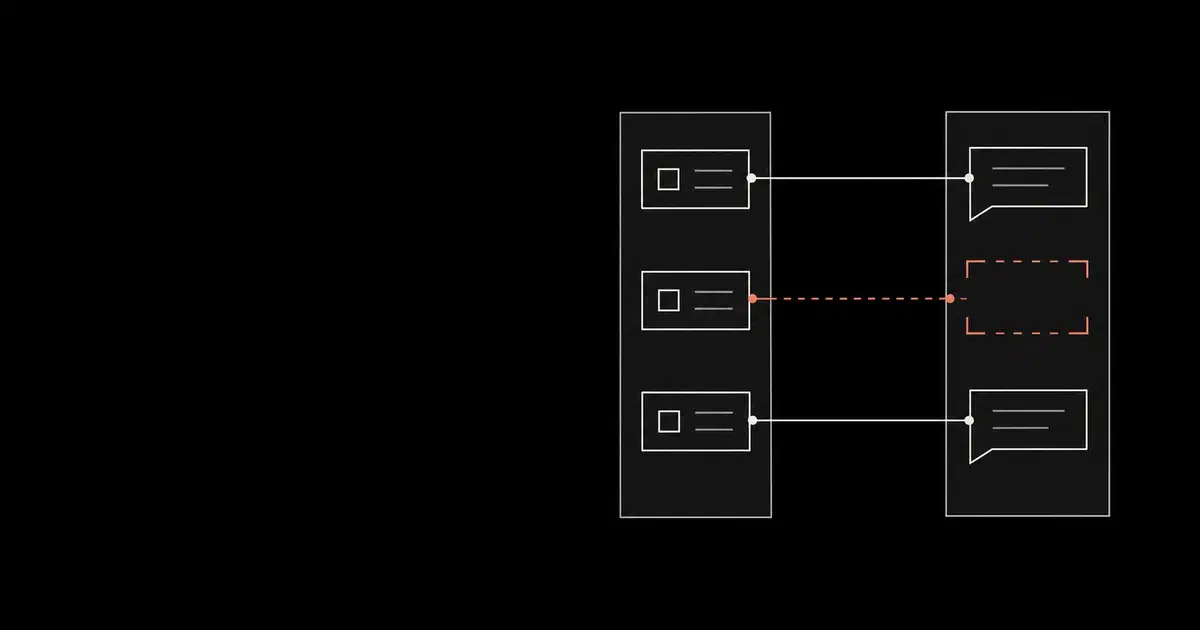

A Teams retention policy can remain enabled while losing the Copilot coverage your investigators depend on. Microsoft has scheduled that change for legacy policies that implicitly cover both workloads. Its September 29 notice gives a planned Worldwide rollout from late October through mid-November 2026. Affected policies will stop retaining and deleting Copilot interactions; their Teams behavior will continue.
The Microsoft roadmap entry, created September 18, still lists the change as in development with an October target. Treat the dates as a rollout plan, and check Message Center MC1481313 for your tenant before making changes. This is the removal of legacy coverage, not the first availability of separate Copilot policies.
Find the policies your organization has been relying on, then give Copilot explicit coverage. The procedure below is our recommended acceptance process, based on Microsoft documentation reviewed October 5. We have not tested it in a customer tenant.
Find the policy that actually covers Copilot#
Start with the user population whose prompts and responses you intend to govern. For each group, record the approved retention duration, whether deletion is required, the policy owner, and any exclusions. Copying a Teams duration without checking its purpose can preserve the wrong rule.
Microsoft documents two retention command families. Older locations include the combined Teams chats and Copilot interactions location. Newer locations include Microsoft Copilot experiences and use the AppRetentionCompliance family. Inventory both, then inspect the candidate policies in the Purview portal.
After an authorized administrator connects to Security & Compliance PowerShell, these read-only commands list policy names and identifiers. They are adapted examples, not a migration script.
Code source: Microsoft Get-RetentionCompliancePolicy and Get-AppRetentionCompliancePolicy.
Get-RetentionCompliancePolicy | Format-Table Name, Guid
Get-AppRetentionCompliancePolicy | Format-Table Name, Guid
Select a real identifier from the output and inspect it with the matching command family. Replace each placeholder before running its line; these examples show alternatives for the two families.
Code source: Microsoft policy detail example and app policy DistributionDetail parameter.
Get-RetentionCompliancePolicy -Identity "<legacy-guid>" `
  -DistributionDetail | Format-List
Get-AppRetentionCompliancePolicy -Identity "<app-guid>" `
  -DistributionDetail | Format-List
For the older command, Microsoft warns that the default Workload value does not show the actual applied workload. It also says DistributionStatus and location values can be inaccurate without -DistributionDetail. Keep the detailed output with your review, and compare the actual locations and user scope with the portal. An enabled flag cannot answer those questions.
Confirm that the returned identifier matches the one requested. Both command references warn that a nonexistent or null identity can return all objects. A long result set is not evidence that one policy has unusually broad scope.
See how your AI systems hold up under real attacks
General Analysis maps AI applications and agents, red teams prompts, retrieval, tools, MCP servers, browser actions, permissions, and business workflows, then turns findings into evidence your team can reproduce and retest.
Decide what needs replacing#
Use the inventory to make a coverage decision before editing anything. This table is a review aid based on the announced scope change; its actions are our recommendations.
| What the review finds | Action before rollout |
|---|---|
| Copilot relies only on a legacy combined policy | Configure explicit Copilot coverage for the required users and rules. Keep the Teams policy intact while verifying the replacement. |
| An explicit Copilot policy already exists | Compare its users, exclusions, action, and duration with the approved requirement. A second policy is not automatically necessary. |
| A Copilot policy exists but distribution is pending or failed | Track deployment to resolution; a saved configuration is not accepted coverage. |
| A hold or another retention policy also applies | Record the overlap before evaluating deletion. Do not remove a hold to make a test pass. |
A hypothetical example: an organization has relied on a combined policy to delete interactions after its approved period. A new retain-only Copilot policy would preserve evidence but leave that deletion requirement unmet. Check the action as carefully as the duration.
In the Purview configuration workflow, open Solutions → Data Lifecycle Management → Policies → Retention policies. Configure the explicit Copilot location, the intended static or adaptive scope, and the approved retention/deletion action. Review the selected applications within Microsoft Copilot experiences; that label covers more than Microsoft 365 Copilot. Check included users and exclusions rather than accepting the default population.
Microsoft also documents commands to separate existing policies. Choose them only after identifying the correct policy family and reviewing the resulting application scope. This guide deliberately uses read-only examples because a universal conversion command cannot supply your organization's intended population or rule.
Allow time for deployment: Microsoft says a submitted retention policy can take up to seven days to apply. Check distribution status from the policy's portal details. Schedule the change early enough to investigate errors before your tenant's rollout.
Verify evidence separately from configuration#
Keep three kinds of evidence in the change record:
- Configuration: policy identifier, explicit application/location, included and excluded users, and the rule's action and duration.
- Distribution: a dated status check and any unresolved location errors.
- Content: an authorized search showing that known, benign pilot interactions can be found for the users and app surfaces in scope.
Microsoft's retention documentation explains that Copilot records are held in hidden Exchange mailbox folders. Verify them through eDiscovery. What a user can still see in chat is not a reliable indication of what remains retained or has been permanently deleted.
Use known interactions created before and after the policy change, recording the user, app, time, and a harmless identifying phrase. This is a proposed verification method. Finding those records establishes retrievability at the time of the search; it does not prove that every interaction was captured or that the full retention period will be enforced.
Microsoft's eDiscovery reference maps app surfaces to item classes. Microsoft 365 Copilot uses IPM.SkypeTeams.Message.Copilot.*; Copilot in Teams uses IPM.SkypeTeams.Message.Copilot.Teams. Copilot personalization and memory use IPM.Contact, and deleting a conversation does not delete its associated memory. Define the evidence you are checking instead of treating every AI-related record as one workload.
For deletion checks, account for background processing and holds. Microsoft's retention guidance describes periodic processing, and applicable retention policies or holds can suspend permanent deletion. A record that survives its nominal expiry needs investigation of those conditions before it is labeled a policy failure. Do not shorten a production policy or remove a hold merely to accelerate verification.
If your team also exports prompts and responses, keep that collector's evidence separate from the policy acceptance record. Our Microsoft 365 Copilot interaction-export guide explains the content and audit feeds. Personal accounts and unmanaged tools require a different discovery process, covered in how to detect shadow AI.
Close the migration review only when the required users have explicit Copilot coverage, distribution errors are resolved, and the evidence checks have a documented result. Keep the tenant's rollout notice and a dated before/after policy record with that decision so a later investigator can identify any gap.
Frequently asked questions
- Does the October change immediately delete existing Copilot history?
The announced change removes legacy Teams policies' implicit coverage of Copilot. It does not establish an immediate deletion of all Copilot history. Other applicable policies and holds can affect the outcome; review both retention and deletion requirements.
- Is an enabled Teams retention policy enough to cover Copilot?
No. The planned change makes affected legacy policies Teams-only. Verify an explicit Copilot location, the intended users and exclusions, the retention rule, and successful distribution. The policy name alone is insufficient.
- Can I verify retention by checking the Copilot chat interface?
Microsoft says visible AI messages do not accurately reflect compliance retention or permanent deletion. Verify mailbox evidence through authorized eDiscovery searches and interpret results alongside applicable policies and holds.